BoldSign September 2024: Discover the Latest Updates and Features
September brought a series of exciting updates to BoldSign, all designed to enhance the user experience and improve document management workflows. These improvements focused on customization, security, and efficiency, ensuring you can streamline your eSignature processes.
Customizable tab index support for form fields
The signing experience in BoldSign has been enhanced with a customizable tab index option, allowing senders to define the navigation order for the form fields in their documents. Previously, the Tab key followed a fixed order from the top-left to the bottom-right based on the alignment of form fields. Now, users can customize the navigation order by assigning a specific tab index to each form field. For instance, assigning tab indices such as 1, 2, and 3 ensures that signers move through the fields in the intended order.
Additionally, signers can use Shift + Tab to navigate backward through the fields. To exclude any field from the tab order, simply set the tab index to -1, particularly useful for optional fields that do not require user input. This feature improves document usability, enabling signers to move efficiently through documents and focus on filling in necessary information.
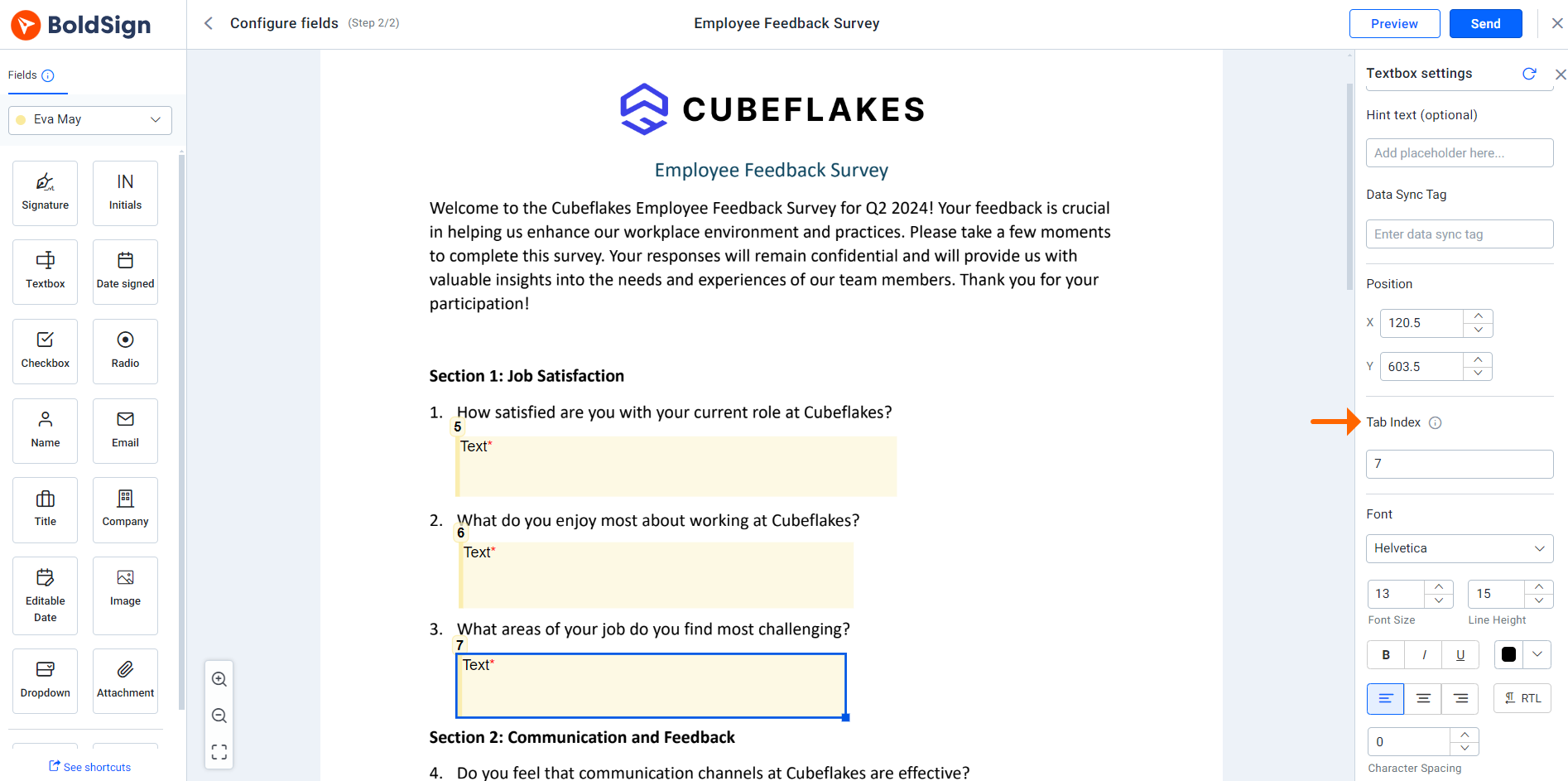
Tab index option
Learn more about customizable tab index support for fields.
Localization support for audit trails
We’ve enhanced BoldSign’s audit trail to support multiple languages. Previously, audit trail documents were only available in English. Now, account administrators can enable the generation of audit trails in English and 14 other languages: German, Spanish, French, Romanian, Norwegian, Bulgarian, Italian, Danish, Polish, Portuguese, Czech, Dutch, Russian, and Swedish.
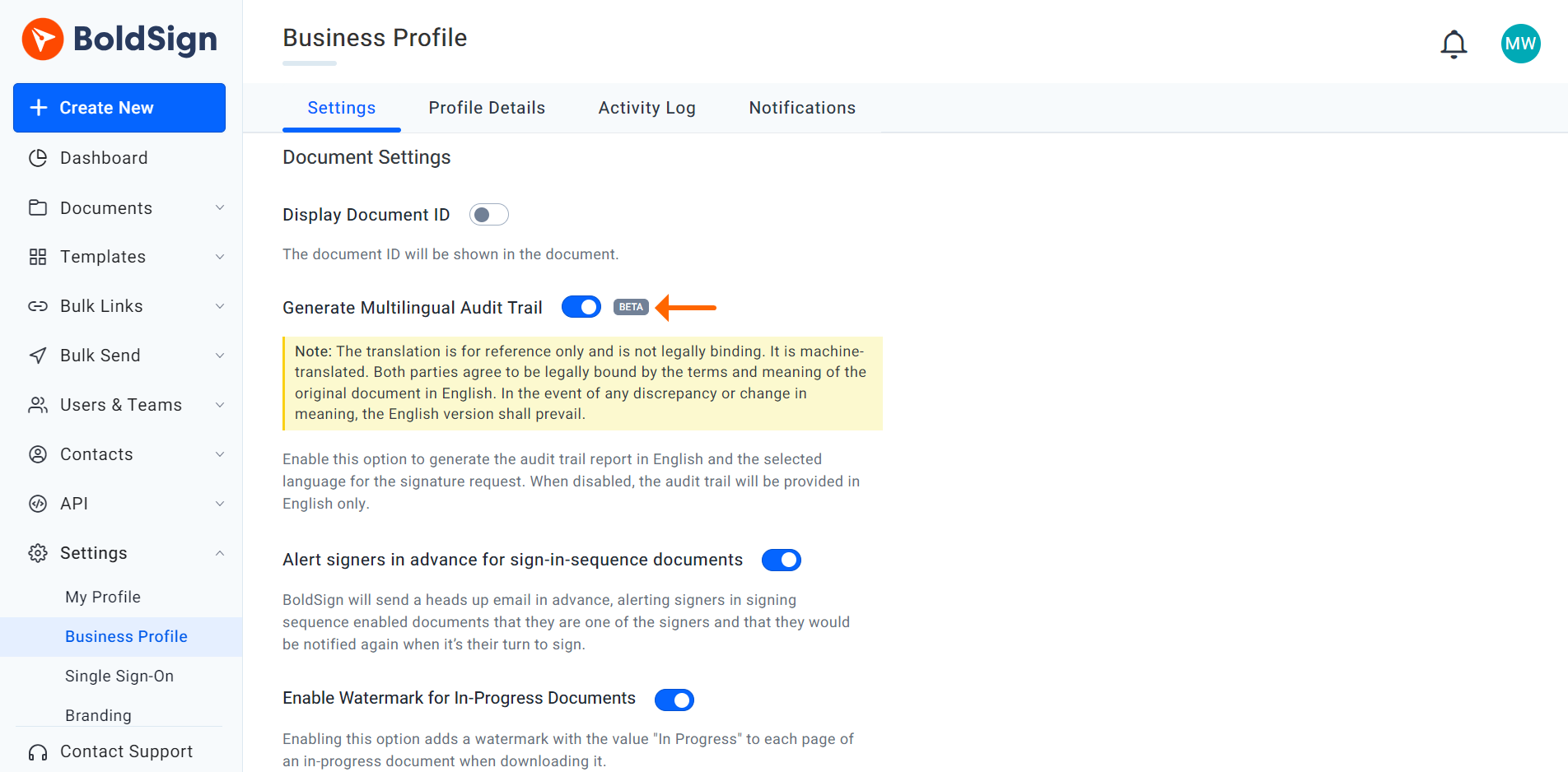
Generate multilingual audit trail option
When this option is activated, the audit trail will automatically be translated into the signer’s preferred language while still retaining the English version. This ensures that all parties involved in the signing process can understand the details clearly, facilitating clearer communication and improving compliance and accessibility for international users.
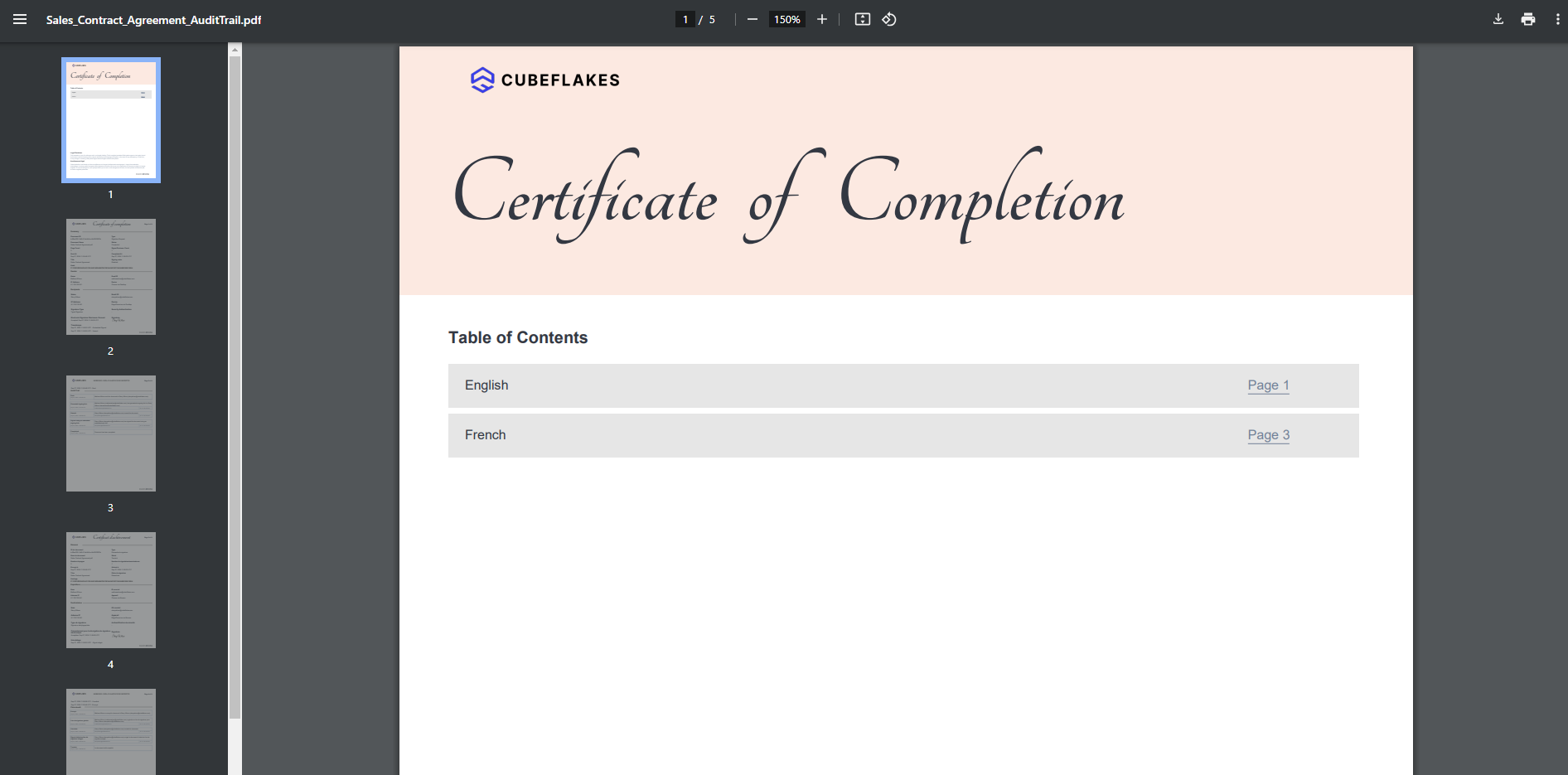
Audit document
Learn more about localization support for audit trails.
File support in MergeandSend API
The MergeAndSend API has been enhanced to offer more flexibility when sending documents that merge multiple templates. Users can now include files or file URLs alongside multiple templates, with the additional documents placed after the template documents.
This update eliminates the necessity of creating new templates to include supplementary files, making it better for workflows that require additional attachments, such as contracts with supporting documents.
Supported input formats include:
- Base64 Encoding: Upload files in Base64 format.
- Form Data: Upload files as form data.
- File URLs: Provide external file URLs.
Learn more about file support in MergeandSend API.
Apple sign-up integration
BoldSign has introduced sign-up with Apple. Apple users can now log in using their Apple ID, offering a convenient and secure way to access the BoldSign web application and APIs.
During the account creation process, users can choose whether to share their email address. If they choose to share it, their real email address will be used. If they opt to keep it private, Apple will generate a unique, private email address for their Apple ID, ensuring the confidentiality of their personal email address.
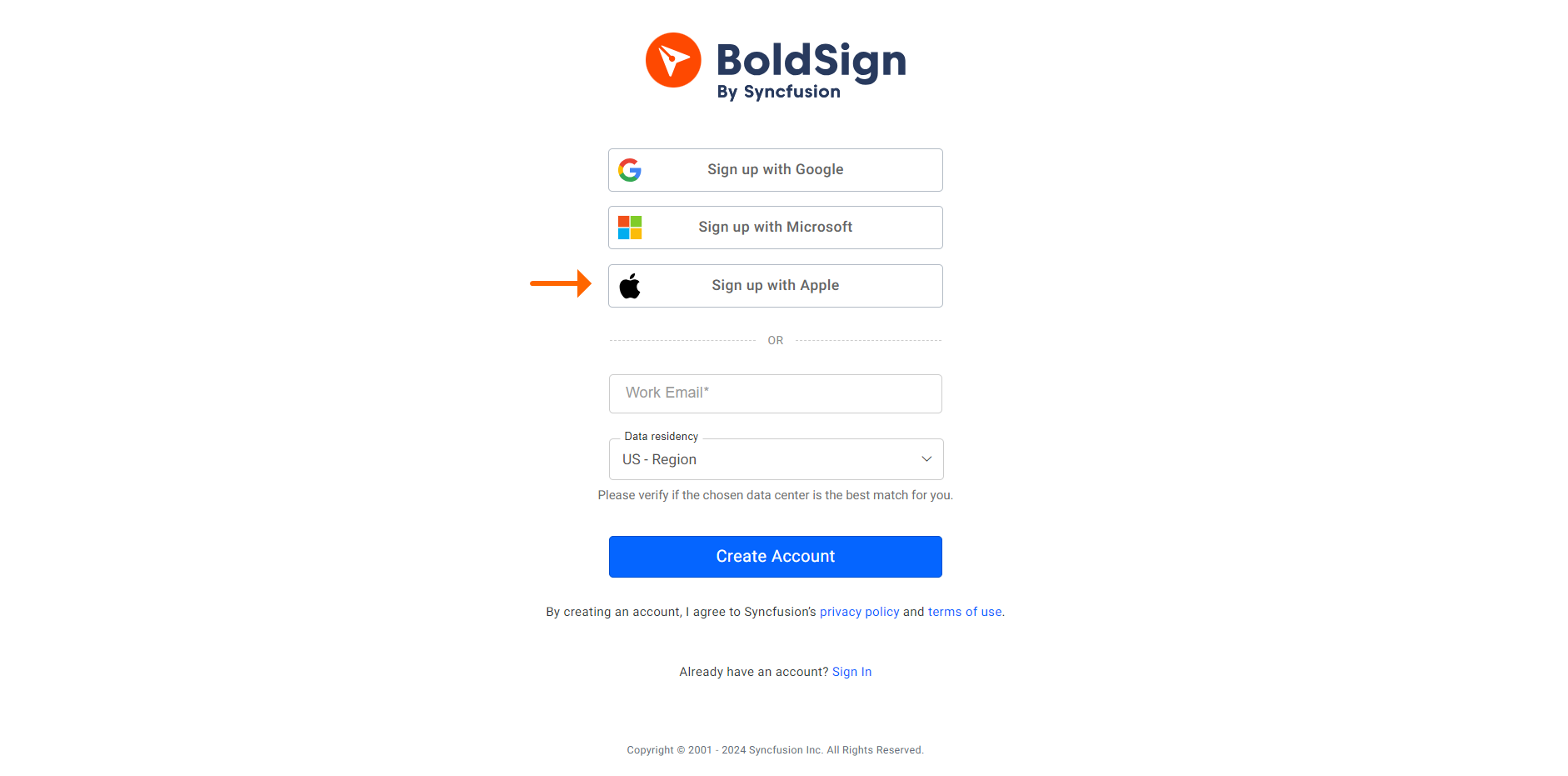
Sign up with Apple
Learn more about Apple sign-up integration.
Conclusion
Thank you for exploring the latest updates to BoldSign! These features highlight our commitment to enhancing your eSignature experience. We encourage you to sign up for a free trial or log into your account to see how these features can streamline your workflows.
We always appreciate your feedback and suggestions. If you have ideas for features you’d like to see in BoldSign, please share them with us in the comments below. To learn more about our services, schedule a demo, or contact our support team through our support portal.


Comments
Post a Comment